
 Sign in
 Create Account

Reissue Sectigo (Comodo) Code Signing Certificate
To replace your Code Signing certificate, please use the Sectigo (Comodo) interface.
1. Go to https://secure.sectigo.com/
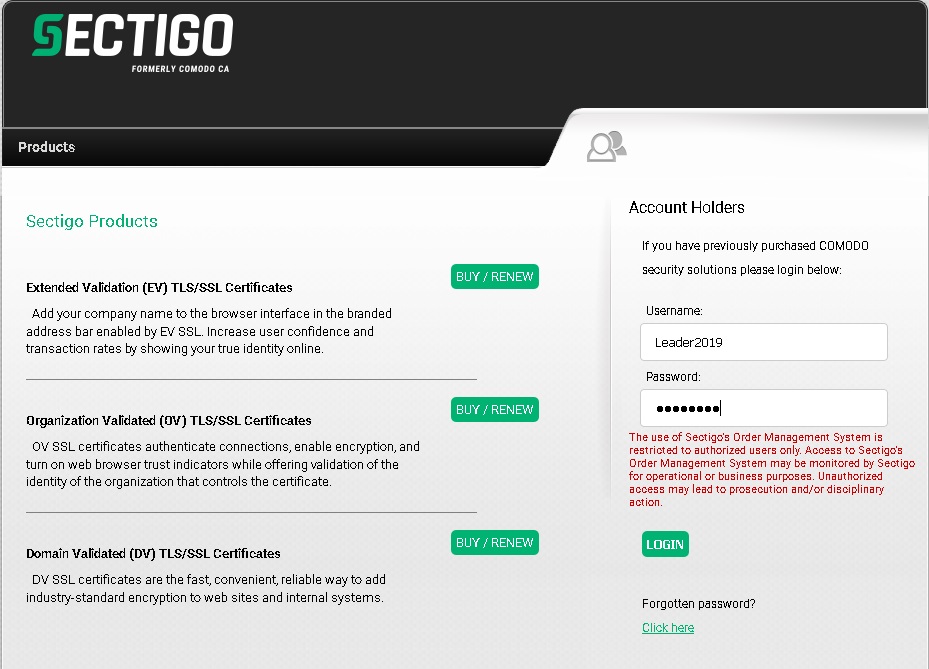
Provide your login and password (that you set up when ordering for the first time).
2. Go to «Code Signing certificates»
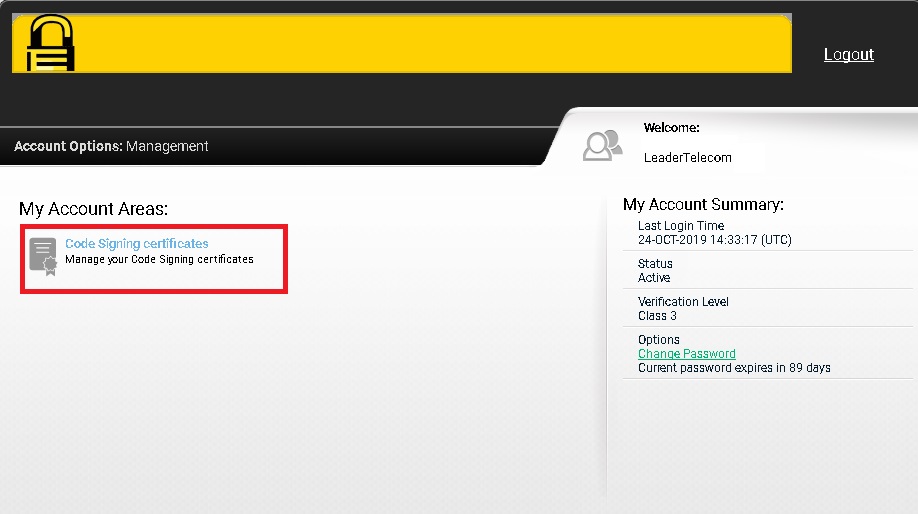
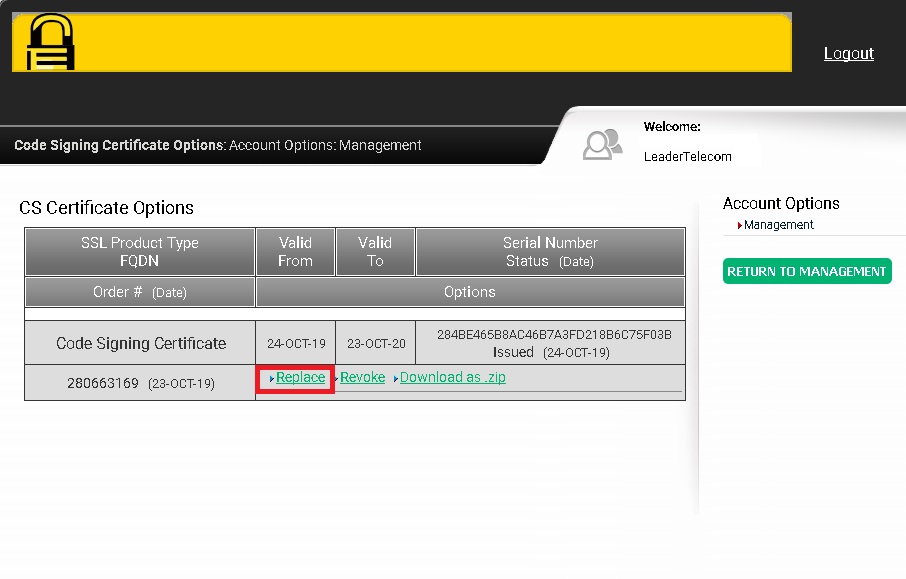
3.
Choose
“Replace”
4. Do not change data and click «Continue»
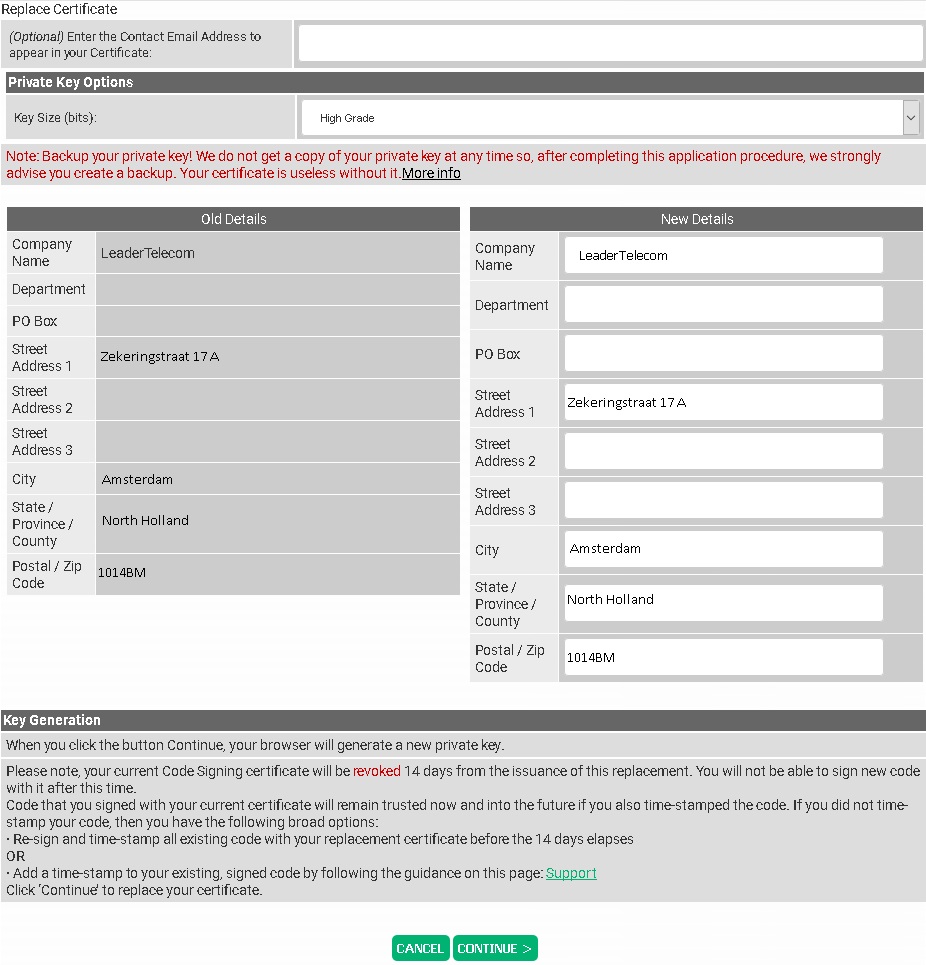
5. Done
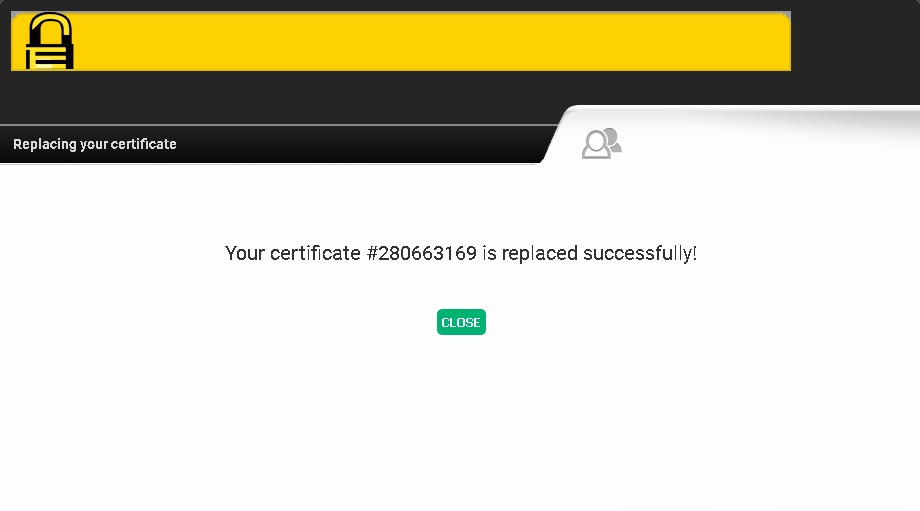
6. Go to https://secure.sectigo.com/
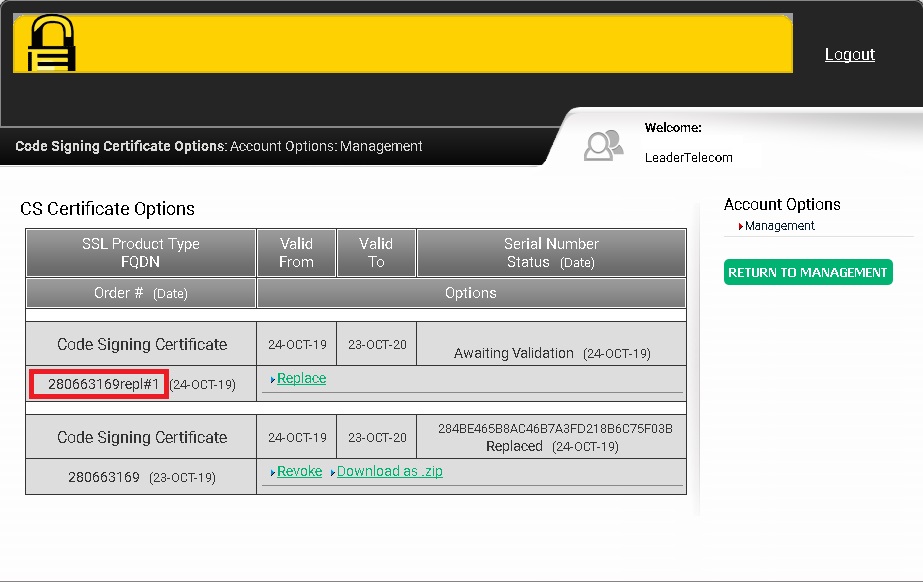
You will see a new order with the same number and postfix «repl1».
After that, please inform us by email info@leaderssl.com and we will continue the process.


